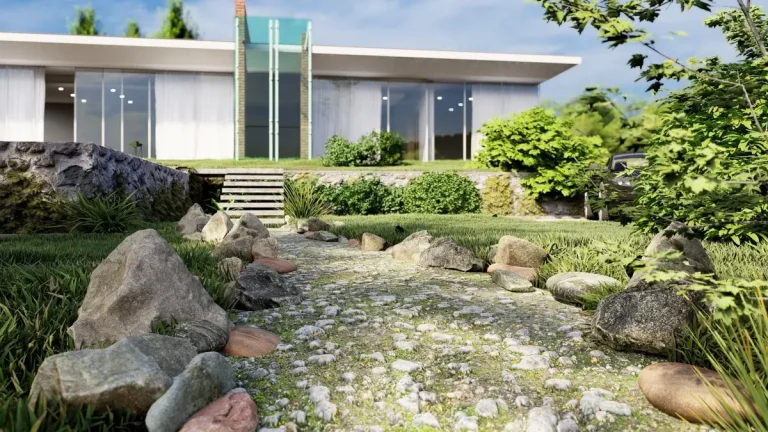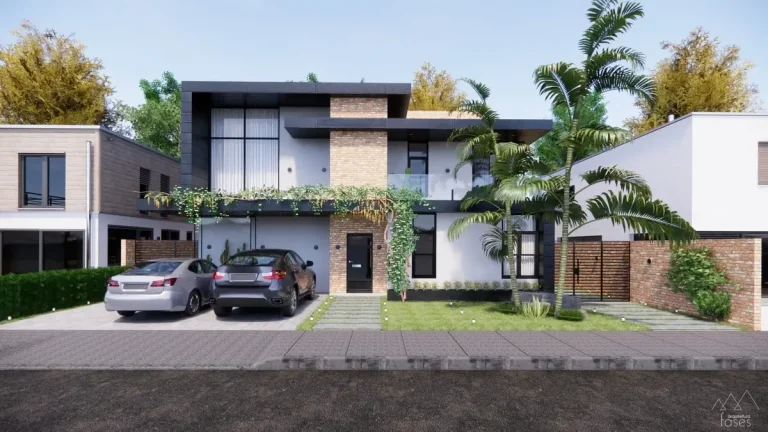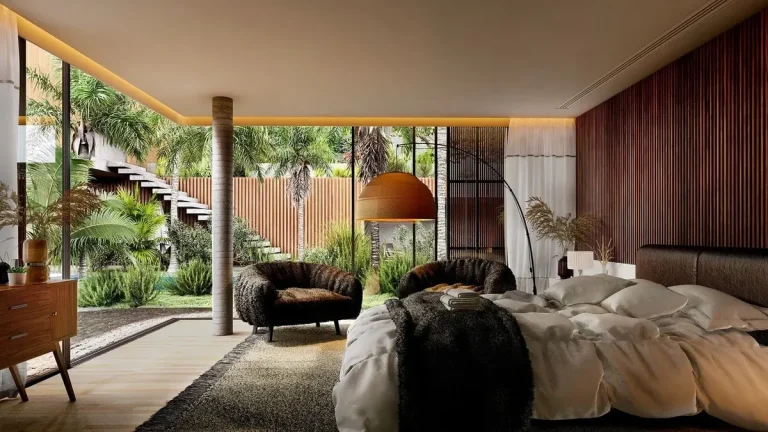

Ever wondered how top landscape architects transform blank canvases into breathtaking outdoor masterpieces? The secret isn’t just talent—it’s having the right best landscape design tools at their fingertips.
In 2024, technology has revolutionized landscape design, offering professionals unprecedented precision, creativity, and efficiency. This comprehensive guide will explore the top 10 landscape design tools that are changing the game for architects, designers, and landscaping professionals.
What Makes a Great Landscape Design Tool?
The best landscape design tools typically offer:
- Intuitive 3D modeling capabilities
- Realistic rendering
- Comprehensive plant libraries
- Cost estimation features
- Collaboration tools
- Cross-platform compatibility
Key Technological Advancements in 2024
Emerging technologies have significantly enhanced landscape design software:
- Artificial Intelligence-powered plant selection and placement
- Real-time 3D rendering with photorealistic quality
- Integration of GIS (Geographic Information System) data
- Cloud-based collaboration platforms
- Advanced terrain and topography modeling
Top 10 Best Landscape Design Tools
Discover the best landscape design tools in 2024. Comprehensive review of top tools for professional architects and designers. Boost your design efficiency today!
Table of Contents
1. SketchUp Pro
Best Overall Professional Tool
SketchUp Pro continues to dominate the landscape design market with its unparalleled flexibility and intuitive interface. Professionals appreciate its:
- Robust 3D modeling capabilities
- Extensive plugin marketplace
- Seamless integration with rendering engines like V-Ray
- Comprehensive plant and material libraries
- Educational resources and community support
Ideal For: Architects, landscape designers, and urban planners seeking a versatile design platform
Pricing:
- Professional: $299/year
- Enterprise: Custom pricing
- Free web-based version available

2. Vectorworks Landmark
Most Comprehensive Landscape Architecture Software
Vectorworks has long been a favorite among landscape professionals, offering specialized features that set it apart:
- Dedicated landscape architecture workspace
- Intelligent site modeling tools
- Comprehensive plant database with global species
- BIM (Building Information Modeling) compatibility
- Sustainability analysis features
Standout Features:
- Terrain modeling with cut and fill calculations
- Detailed plant schedule generation
- Accurate material quantity takeoffs
Pricing:
- Annual Subscription: $635
- Perpetual License: $1,155
3. AutoCAD
Precision and Technical Excellence
AutoCAD remains the gold standard for technical drawing and precise landscape design:
- Unmatched measurement accuracy
- Extensive customization options
- Global design standard compliance
- Advanced layer management
- Interoperability with other Autodesk products
Best Suited For:
- Large-scale commercial projects
- Municipal and government landscape planning
- Engineering-focused landscape designs
Pricing:
- Annual Subscription: $1,790
- Monthly Subscription: $238
4. Lumion
Photorealistic Rendering Extraordinaire
Lumion transforms technical designs into stunning visual narratives:
- Real-time rendering capabilities
- Massive asset and material library
- Easy-to-use landscape generation tools
- Atmospheric and lighting effects
- Quick design iterations
Unique Selling Points:
- Produces cinema-quality landscape visualizations
- Supports multiple export formats
- Ideal for client presentations
Pricing:
- Pro Edition: $1,990/year
- Indie Edition: $699/year
5. Adobe Photoshop with Landscape Plugins
Creative Visualization and Editing
While not a dedicated landscape design tool, Photoshop with specialized plugins offers incredible design flexibility:
- Advanced image manipulation
- Precise texture and color editing
- Integration with other Adobe Creative Cloud apps
- Third-party landscape design plugins
- Digital painting and rendering capabilities
Recommended Plugins:
- Landscaper’s Companion
- Terrain Tools
- Botanical Rendering Extensions
Pricing:
- Creative Cloud Photography Plan: $20.99/month
- Full Creative Cloud: $54.99/month
6. Civil 3D
Complex Terrain and Infrastructure Design
Autodesk’s Civil 3D provides unparalleled terrain and infrastructure modeling:
- Advanced surface and corridor modeling
- Precise earthwork calculations
- Drainage and hydrology analysis
- Infrastructure design integration
- Compliance with engineering standards
Perfect For:
- Large-scale infrastructure projects
- Urban development
- Environmental restoration initiatives
Pricing:
- Annual Subscription: $1,690
- Network License Options Available
7. Rhino
Ultimate Modeling Platform
Rhinoceros offers unprecedented design freedom:
- Complex geometric modeling
- NURBS mathematical modeling
- Grasshopper visual scripting
- Extensive plugin ecosystem
- Cross-platform compatibility
Specialized Use Cases:
- Parametric landscape design
- Organic form generation
- Advanced computational design
Pricing:
- Standard: $695
- Commercial: $995
8. PlantCAD
Comprehensive Plant Library and Simulation
Dedicated to botanical design and ecological modeling:
- Extensive global plant database
- Plant growth simulation
- Ecological design support
- Precise botanical rendering
- Species compatibility analysis
Unique Features:
- Climate zone plant selection
- Maintenance prediction
- Biodiversity assessment tools
Pricing:
- Professional License: $499/year
- Academic License: $199/year
9. Bluebeam Revu
Project Management and Design Review
Specialized PDF editing and collaboration platform:
- Advanced markup tools
- Design document management
- Real-time collaboration features
- Mobile and desktop compatibility
- Construction document standardization
Best For:
- Large team collaborations
- Construction documentation
- Design review processes
Pricing:
- Standard: $349/year
- CAD Edition: $549/year
10. SmartDraw
Accessible Diagramming and Basic Design
Cloud-based design tool for smaller projects and teams:
- Affordable pricing
- Easy-to-use templates
- Quick landscape layout generation
- Collaboration features
- Cross-platform accessibility
Ideal For:
- Small landscaping businesses
- Preliminary design sketching
- Client proposal generation
Pricing:
- Basic: $9.95/month
- Business: $19.95/month
Choosing the Right Tool
When selecting landscape design software, consider these critical factors:
- Project Scale and Complexity
- Large commercial projects require robust, feature-rich tools
- Small residential designs might need more budget-friendly solutions
- Technical Specifications
- Minimum computer requirements
- Graphics card capabilities
- RAM and processor recommendations
- Learning Curve
- Available training resources
- User community support
- Integration with existing workflows
- Budget Constraints
- Upfront costs
- Subscription models
- Additional plugin expenses
- Specific Feature Requirements
- 3D rendering capabilities
- Plant library comprehensiveness
- Collaboration tools
- Export and compatibility options
Frequently Asked Questions
Q: What computer specifications do I need for professional landscape design tools?
A: Most professional tools require:
- Dedicated graphics card (NVIDIA or AMD professional series)
- Minimum 16GB RAM (32GB recommended)
- Latest generation Intel Core i7/i9 or AMD Ryzen 7/9 processor
- SSD storage for faster rendering
Q: Are there free alternatives for landscape design software?
A: Yes! Consider:
- SketchUp Free
- Blender (with landscape plugins)
- GIMP with landscape extensions
- Web-based design platforms
Q: How frequently should I update my design software?
A: Recommended update cycle:
- Annually for major version updates
- Quarterly for critical security patches
- Immediate update for significant feature enhancements
Conclusion: Investing in Your Design Future
The right landscape design tool isn’t an expense—it’s an investment in your professional capabilities. By selecting software that matches your workflow, you’ll unlock new levels of creativity and efficiency.
Ready to transform your landscape design process? Explore these tools, leverage free trials, and find the perfect match for your professional needs.