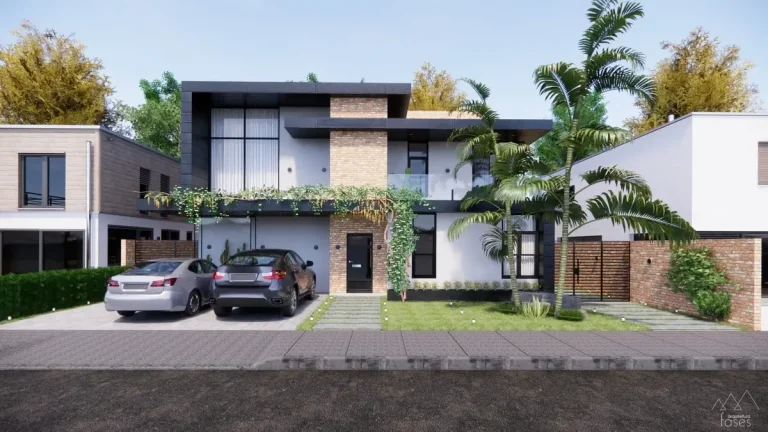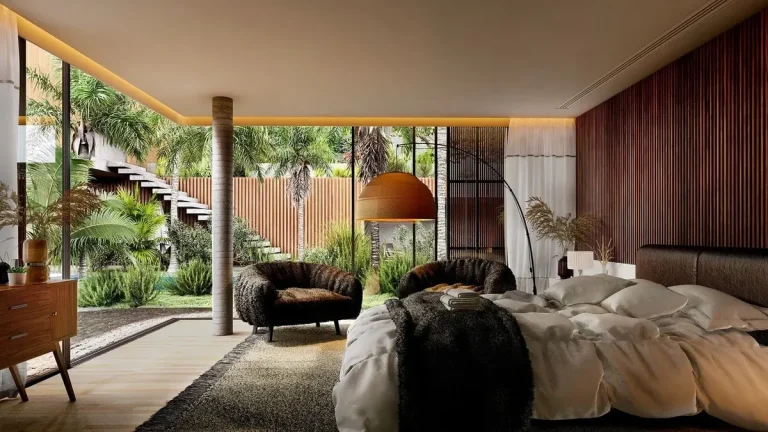
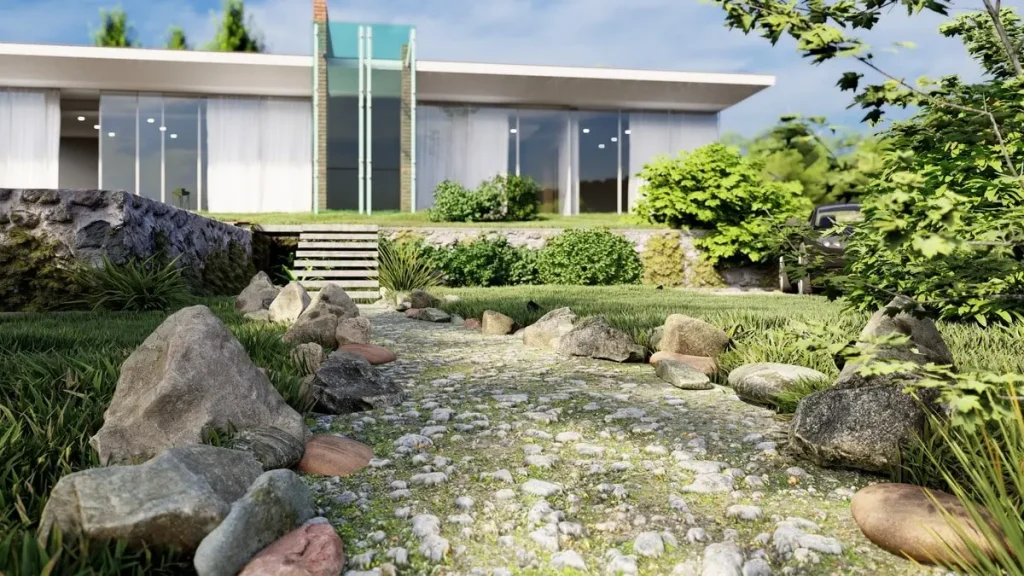
The world of landscape design is rapidly evolving, and rendering software plays a vital role in bringing outdoor spaces to life. With advances in technology, landscape architects now have access to tools that combine stunning visuals with advanced features like real-time rendering, AI-driven enhancements, and seamless integration with design platforms.
As we head into 2025, let’s explore the top five software tools for landscape rendering, their standout features, and why they’re must-haves for professionals in the industry.
What is Rendering?
Rendering is the process of creating a realistic or stylized visual representation of a design or scene using computer software. It transforms 2D plans, 3D models, or conceptual ideas into lifelike images, videos, or interactive experiences.
This process involves simulating elements like light, texture, color, and perspective to produce visuals that help designers, clients, and stakeholders visualize a project before it’s built.
Types of Rendering
- 2D Rendering: Produces flat images, often with detailed textures and lighting, but lacks depth or interactivity.
- 3D Rendering: Creates lifelike visuals with depth and dimension, allowing viewers to explore designs from multiple angles.
- Real-Time Rendering: Enables instant visualization, often used in video games, VR, and interactive presentations.
Best Rendering Tools for 2025
Discover the top 5 landscape rendering software for 2025, including Lumion, V-Ray, and Twinmotion. Learn their features, benefits, and how they elevate designs.
Table of Contents
1. Lumion
Why Lumion Stands Out in 2025
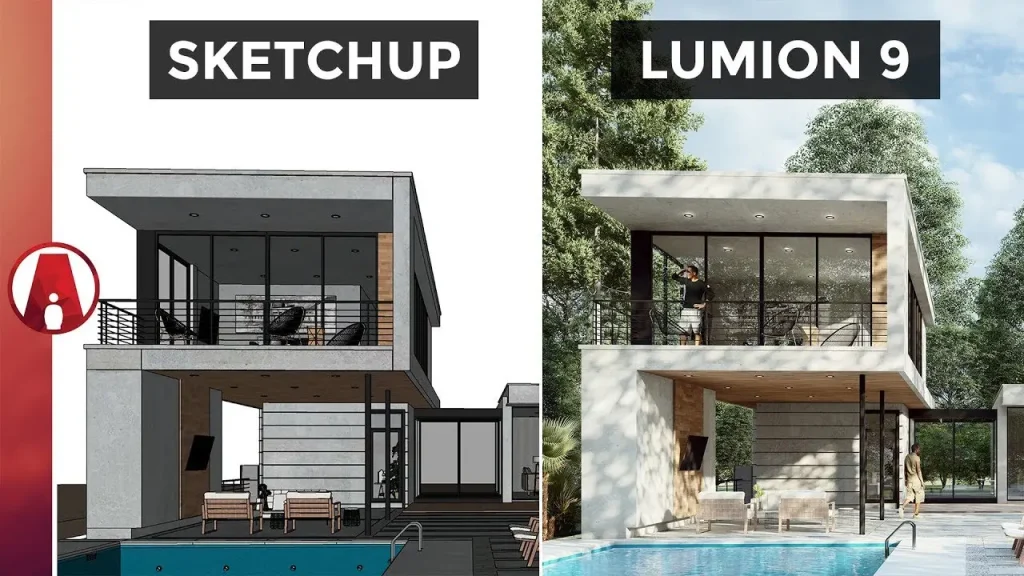
Lumion continues to lead the landscape rendering space due to its ability to produce photorealistic visuals effortlessly. Known for its user-friendly interface and real-time rendering capabilities, Lumion allows landscape architects to create immersive scenes with minimal effort.
Key Features
- Real-time Rendering: Instant feedback as you build scenes.
- Extensive Asset Library: Thousands of models, including plants, textures, and outdoor furniture.
- Hyperlight Technology: Advanced lighting features for realistic shading and shadows.
- New for 2025: AI-powered vegetation placement and climate simulations.
Best For
Architects and designers who prioritize speed and quality in their rendering workflow.
2. Twinmotion
Why Twinmotion is a 2025 Favorite
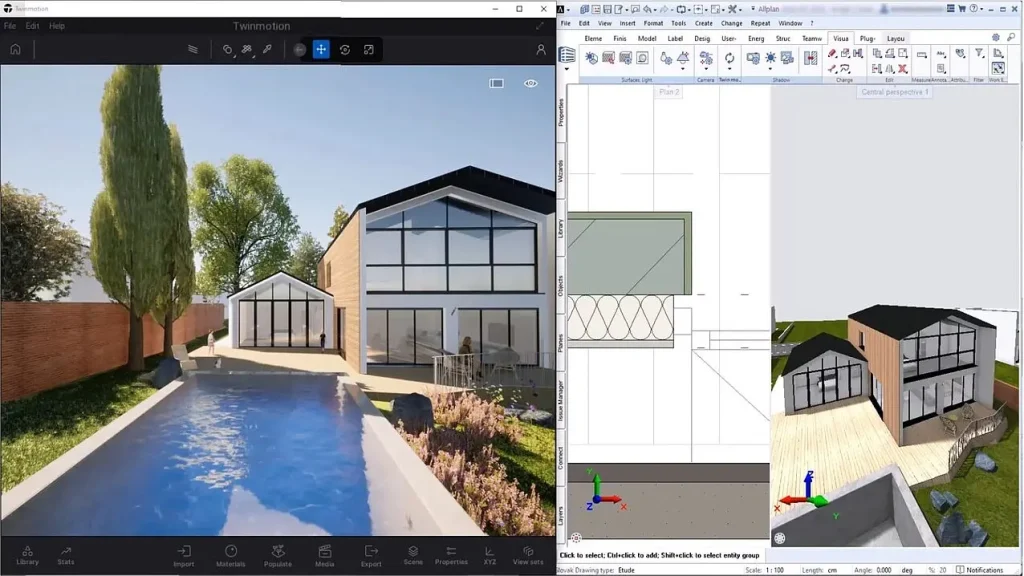
Twinmotion, developed by Epic Games, is celebrated for its seamless integration with design software like SketchUp, AutoCAD, and Revit. Powered by Unreal Engine, it offers cinematic-quality renderings and intuitive drag-and-drop functionality.
Key Features
- One-Click Synchronization: Sync with popular CAD tools.
- VR and AR Compatibility: Create immersive virtual tours for clients.
- Dynamic Weather Effects: Simulate seasons, time of day, and weather conditions.
- New for 2025: Enhanced real-time ray tracing for ultra-realistic visuals.
Best For
Professionals who want interactive presentations and dynamic environments for client reviews.
3. V-Ray
Why V-Ray Continues to Dominate
V-Ray by Chaos is synonymous with high-end rendering. While it requires a steeper learning curve, the payoff is in its unmatched photorealism and detail. In 2025, V-Ray introduces even more AI-driven features to optimize rendering workflows.
Key Features
- Unparalleled Photorealism: Perfect for high-quality presentations.
- Material Library: Detailed textures for plants, stone, water, and more.
- Seamless Integration: Works with SketchUp, Rhino, Revit, and 3ds Max.
- New for 2025: AI-driven noise reduction and faster rendering times.
Best For
Landscape architects working on large-scale or luxury projects requiring high-detail output.
4. Enscape
Why Enscape is a Top Choice in 2025
Enscape bridges the gap between design and rendering by allowing designers to explore their models in real-time. It’s particularly loved for its simplicity and integration with BIM platforms like Revit.
Key Features
- Real-Time Walkthroughs: Navigate and experience designs interactively.
- 360° Panorama Exports: Create VR-compatible views.
- Live Updates: Changes made in design software reflect instantly in Enscape.
- New for 2025: AI-enhanced texture generation and energy simulation tools.
Best For
Designers who want to present and iterate on projects during client meetings.
5. Rhino + Grasshopper
Why Rhino and Grasshopper Are Indispensable in 2025
While primarily known for its advanced modeling capabilities, Rhino’s rendering add-ons and integration with Grasshopper make it a go-to solution for complex landscape designs. Its versatility shines when paired with third-party renderers like V-Ray or Lumion.
Key Features
- Parametric Design: Use Grasshopper for intricate geometry and workflows.
- Open Ecosystem: Compatible with multiple rendering plugins.
- Advanced Material Editing: Perfect for creating custom textures.
- New for 2025: Enhanced support for sustainable design analysis.
Best For
Designers creating intricate, data-driven landscapes with unique structures.
Choosing the Right Software
The best rendering software for landscape design depends on your specific needs:
- For Speed and Ease: Lumion or Enscape.
- For Interactive Presentations: Twinmotion.
- For Advanced Photorealism: V-Ray.
- For Complex Modeling: Rhino + Grasshopper.
Emerging Trends in Landscape Rendering (2025)
1. AI-Driven Automation
Rendering tools now use AI to automate processes like vegetation placement, material adjustments, and lighting optimization, saving designers countless hours.
2. Sustainability Integration
More software is incorporating tools to analyze environmental impact, such as water runoff, energy efficiency, and carbon footprints.
3. AR and VR Presentations
Clients can now explore designs through augmented or virtual reality, making presentations more engaging and interactive.
4. Cloud-Based Collaboration
Real-time collaboration via cloud platforms allows teams to work together seamlessly, regardless of location.
FAQs About Landscape Rendering Software
Q: Is rendering software necessary for all landscape projects?
A: While not all projects require high-end renderings, they are essential for presenting designs to clients or stakeholders and refining complex ideas.
Q: Can I use multiple software tools together?
A: Yes! Many landscape designers use a combination of modeling and rendering tools for the best results. For example, SketchUp for modeling and Lumion or V-Ray for rendering.
Q: Are there free rendering tools available?
A: Yes, tools like Blender are free and offer excellent rendering capabilities, though they may require more technical expertise.
Conclusion: Elevate Your Designs with the Right Tools
In 2025, the landscape rendering industry offers a wide array of tools to suit every designer’s needs, from beginner-friendly platforms to advanced software for seasoned professionals. Whether you’re focused on speed, realism, or innovation, these top five software solutions—Lumion, Twinmotion, V-Ray, Enscape, and Rhino + Grasshopper—are redefining the way we visualize and create outdoor spaces.
Investing in the right rendering software not only enhances your creative process but also helps you deliver breathtaking designs that leave a lasting impression.
Ready to transform your workflow? Try out these tools and experience the future of landscape rendering!